
Moving Storage Data
Data movement is the transfer of data from one location to another. There are different categories of data movement or data “migrations” including storage, database, and application. Each has different considerations and complexities, but this blog post will cover moving storage data.
Organizations might need to move storage data for a variety of reasons including server consolidations, technology upgrades, data center relocations, moving data stored on-prem to the cloud, and others. The results of a successful storage data migration for an organizations can be everything from improved productivity to reduced data storage costs.
Moving storage data can be time consuming and costly when considering factors such as the preliminary planning, reviewing the data to be moved, the disruption to business operations, the amount of data to be moved and the distance between the source and destination.

Fortunately, Condrey Corporation has greatly simplified the process of both helping to review data before the migration, then moving the storage data through policies that automate the process.
Reviewing Data
Research organizations vary on the exact percentage, but all agree that the majority of an organization’s stored data is being unused. That means there is a lot of data that should be cleaned up (deleted or archived) before the migration.
Galileo from Condrey Corporation identifies, at an enterprise level, the unstructured data being stored across your enterprise. It not only identifies ROT, (redundant, obsolete, and trivial files) but files that have not been accessed for a specified period of time. Galileo can also identify “orphan” files and folders that belong to users who are no longer with the organization. It can also identify duplicate files and personal files such as media files that should not be stored on the network. With all of this information, you can determine which files to delete, archive, and move.
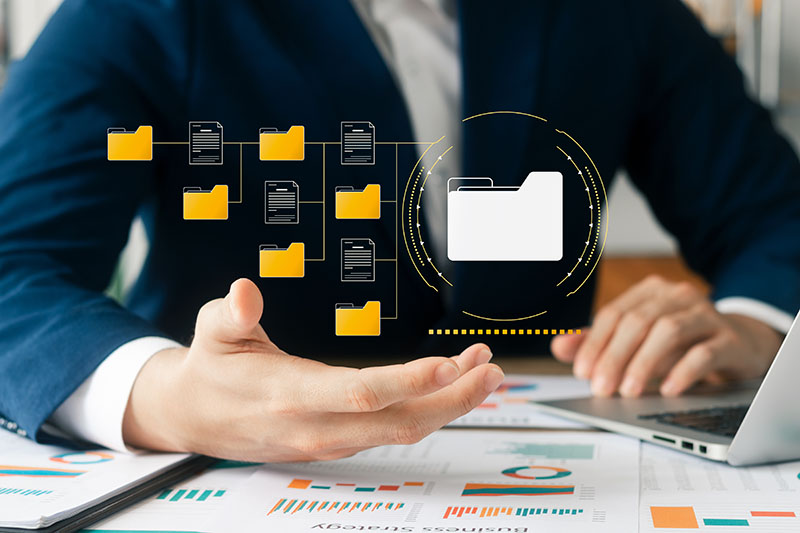
Through polices, Senergy from Condrey Corporation performs data cleanup actions including deleting files and folders, moving files and folders to archive locations, deleting or archiving specific file types or file sizes, moving orphan files and folders to a manager, and more.

Moving Data
Depending on the data and your needs, Senergy policies provide multiple options for automating data movement:
- Changing Target Paths: This field in a home folder and collaborative storage policy specifies the location on the network where home folders and collaborative storage folders reside. By simply changing the target path in the policy and then selecting Enforce Policy Path, Senergy moves the folders to the new location on the network.
- Target-Driven Policy Move Policies: This moves a folder managed through a Target-Driven policy from a source location to a destination location. It provides the ability to schedule the move once, or recurrently.
- Load Balancing: For home folders taking up too much room on a server, you can load balance the home folders across a set of specified servers. Once the redistribute paths have been established, the network administrator only needs to click Submit to load balance the home folders.
- Grooming Files: For personal files that should not be stored on the network, Senergy lets you create groom rules that remove these files to a vault location on the network, where, presumably once the once user has been reminded to not store personal files on the network, the user can retrieve them and store them locally.
- Workload Policies: Workload policies in Senergy provide the ability to handle work processes initiated from other applications. For example, reports generated in Galileo that specify the location of sensitive files can be imported into the Data Owner Client where a designated data owner can remediate the location of these sensitive files by moving them to a location specified in the policy.
Replicating Data
Generally, organizations want to remove duplicate data, but in some cases, replicating data can be a valuable option. For example, for an organization that has multiple geographic sites that needs to install applications, rather than installing these applications across a WAN from a server at headquarters, application files could be replicated to a local server where users could install the applications without tying up the WAN.
Conclusion
Over time, an organization’s data will need to be moved to new locations. With organizations storing many terabytes or even petabytes of data, without the right tools, this process can be labor intensive. Condrey Corporation’s data management software provides the tools for both reviewing data before moving the data, and then moving the data through a number of automated methods.
Read how one university migrated all of its data over a weekend using Senergy.